

BigQuery Agent Analytics
Category
BlocksETL Providers
Agent Development Kit (ADK)
Google Cloud BigQuery
SQL Dialects
Google BigQuery
Overview
This is not an officially supported Google product.
This Looker block provides a turn-key, highly performant analytics solution for monitoring, debugging, and optimizing generative AI agents. It integrates seamlessly with the BigQuery Agent Analytics solution to surface deep insights into agent interactions, tool usage, LLM performance, and cost footprints directly within your Looker environment.
The block leverages the raw agent telemetry data generated by the BigQuery Agent Analytics . Our Native Derived Table architecture parses the JSON payloads natively on the fly, providing a frictionless installation that eliminates the need for additional data pipelines or pre-compiled views.
- Connect your Data: Ensure your agent telemetry is flowing into BigQuery via the BigQuery Agent Analytics plugin.
- Zero-Code Setup: Simply input your BigQuery Project ID, Dataset Name, and Base Table Name during installation. Looker handles the heavy lifting natively.
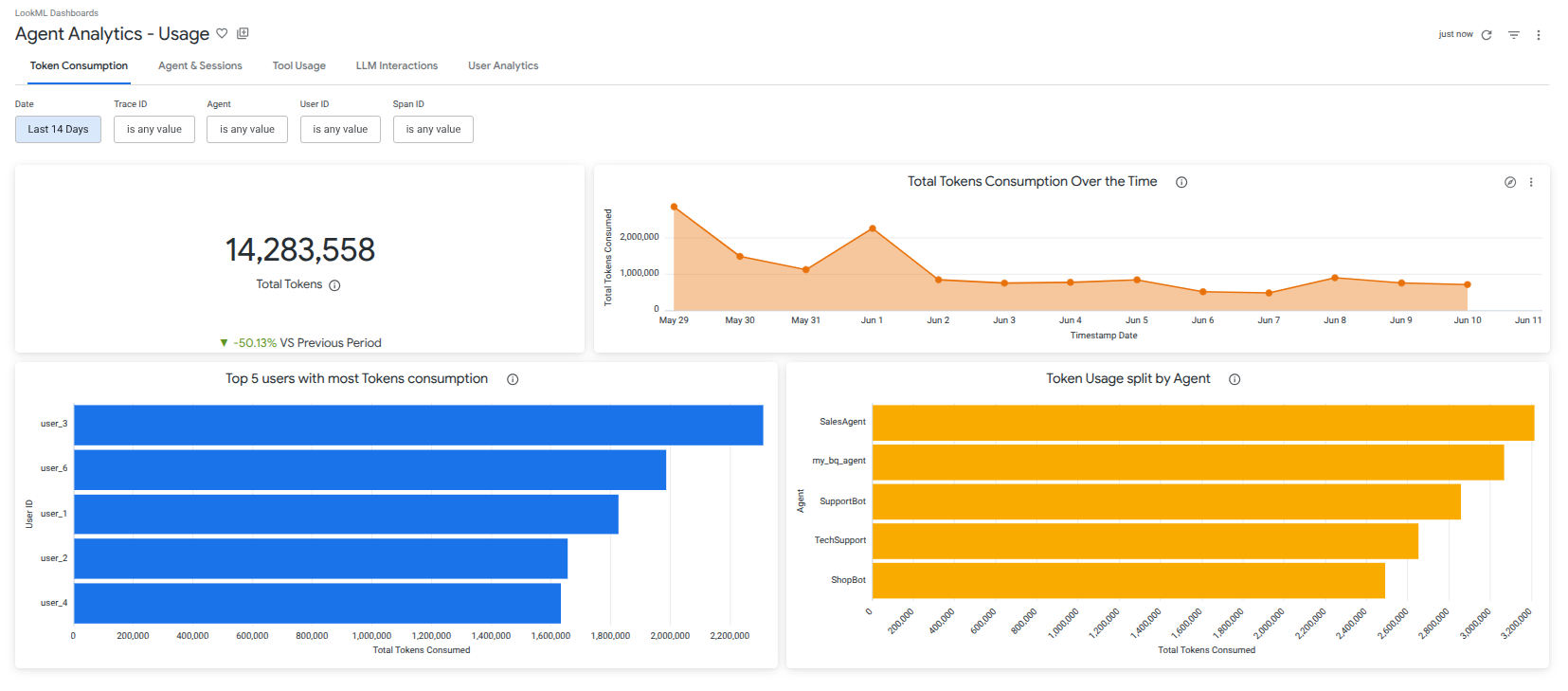
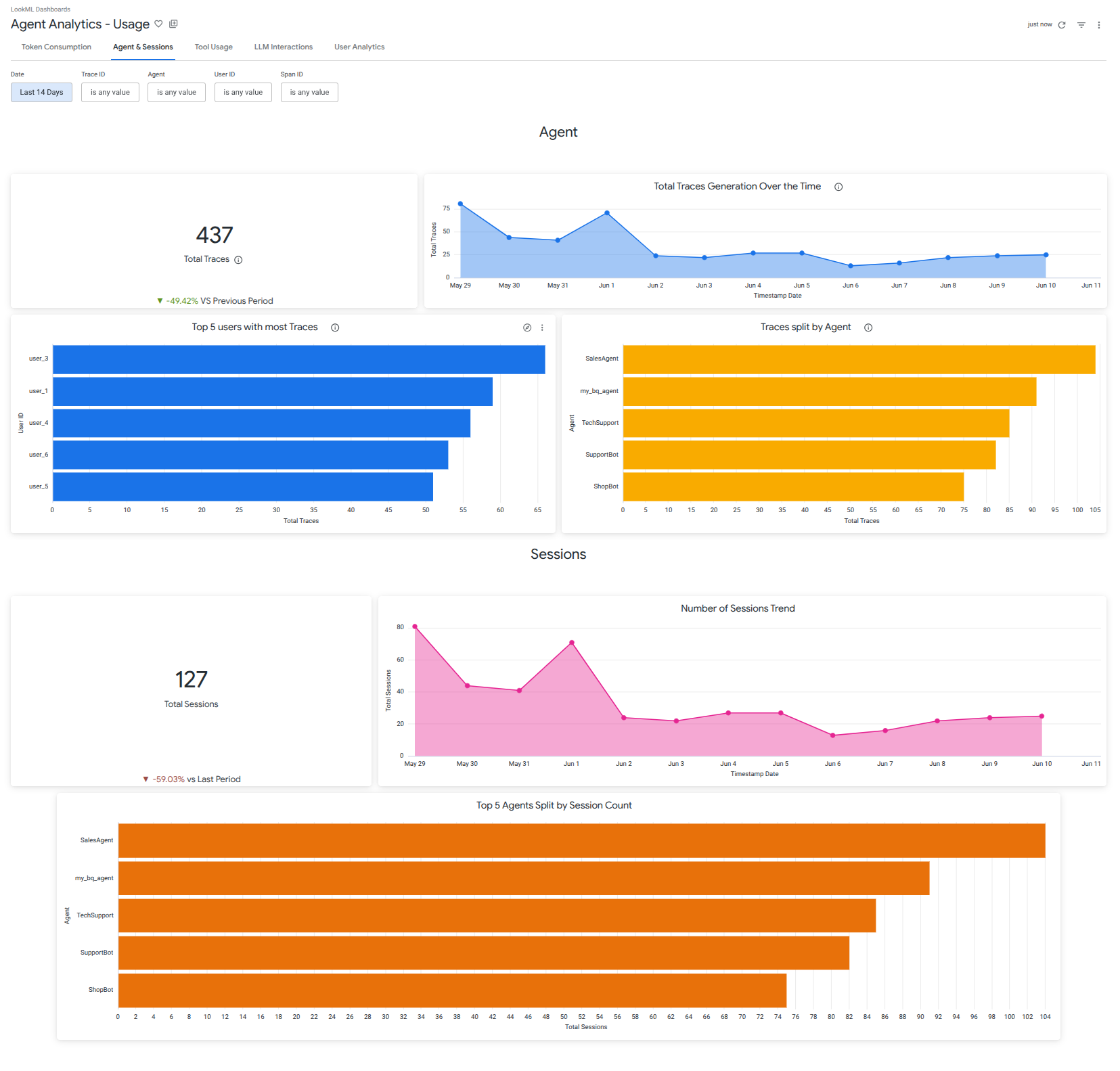
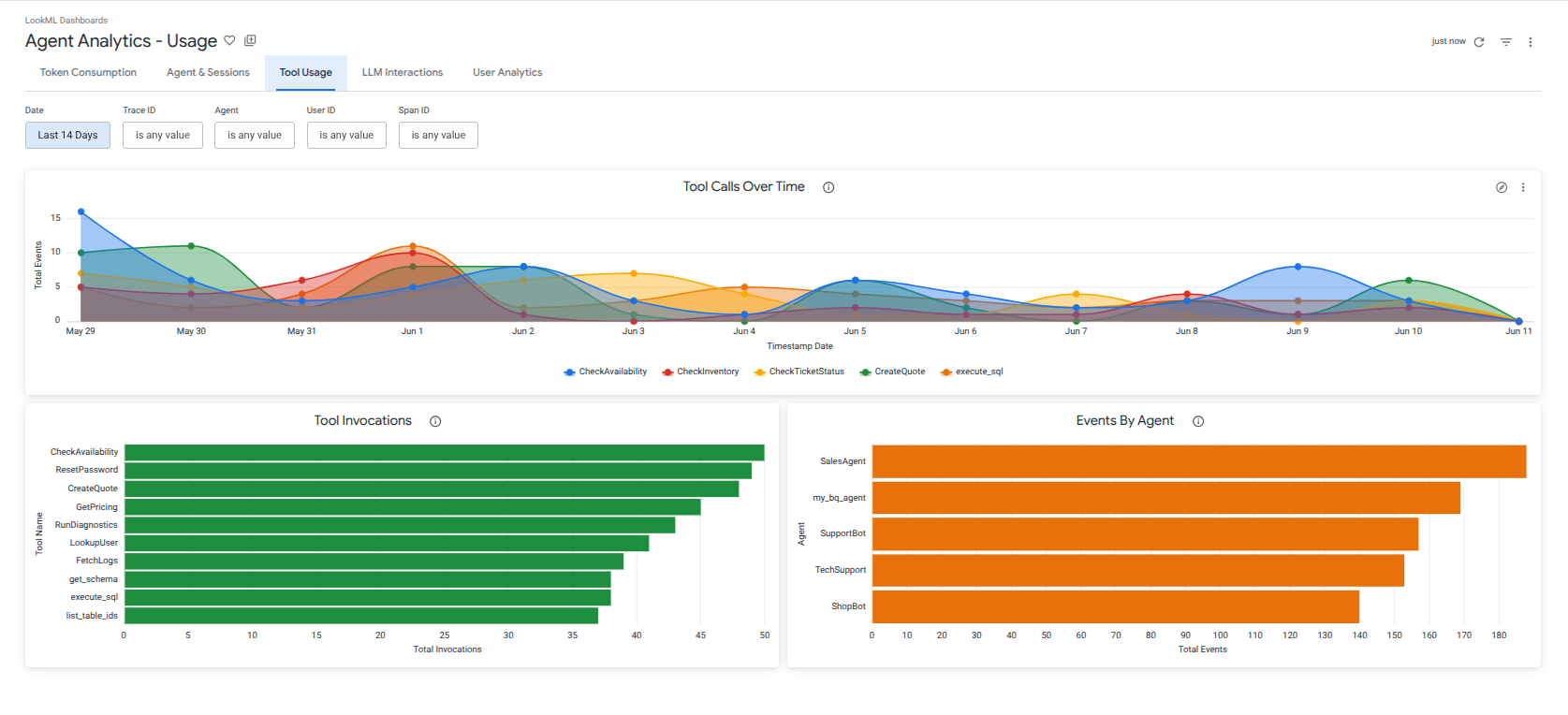
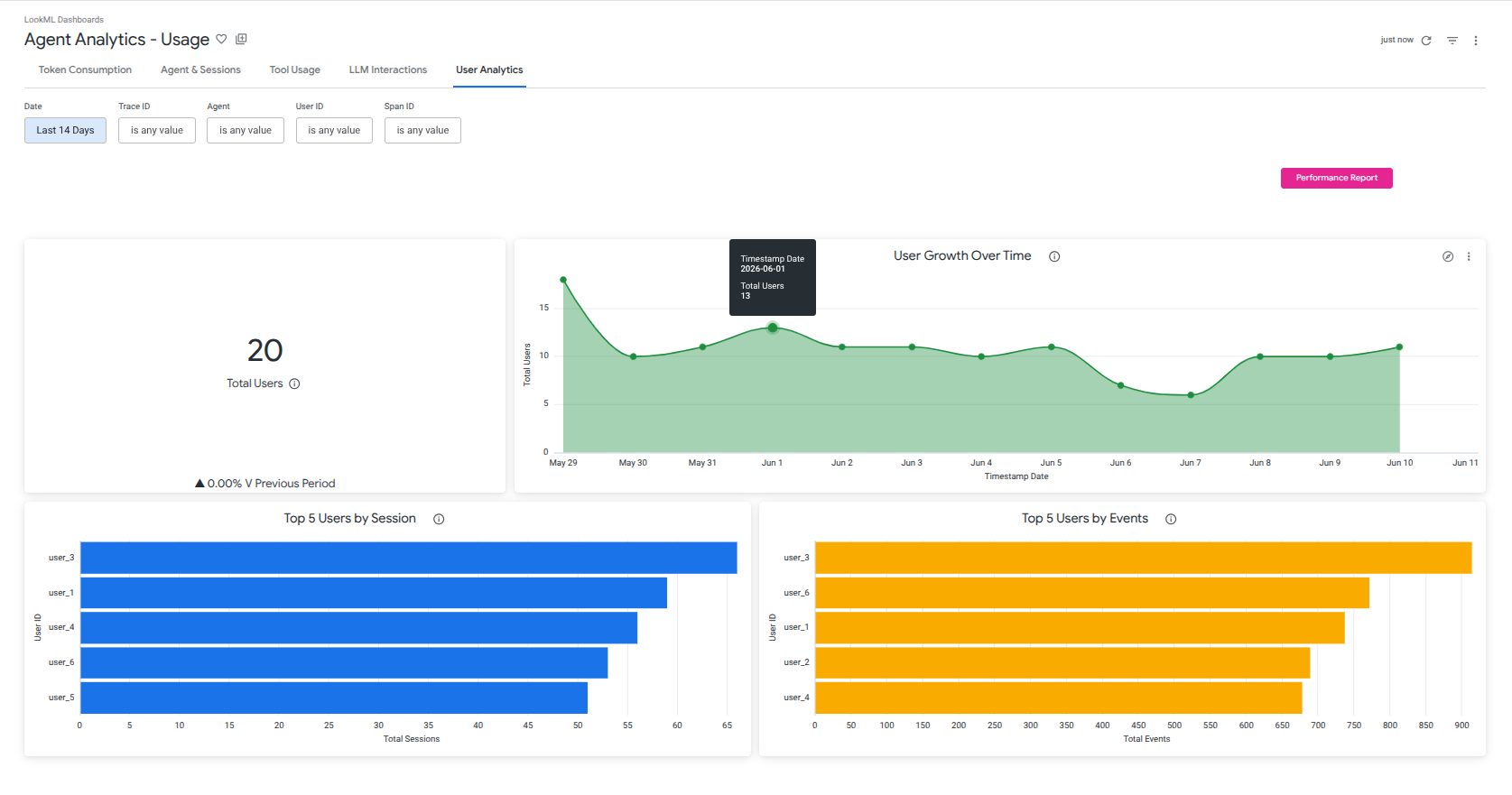
- Explore Agent Analytics: Track aggregate token consumption, measure user engagement, and monitor tool execution volumes to understand exactly how your agents are performing.
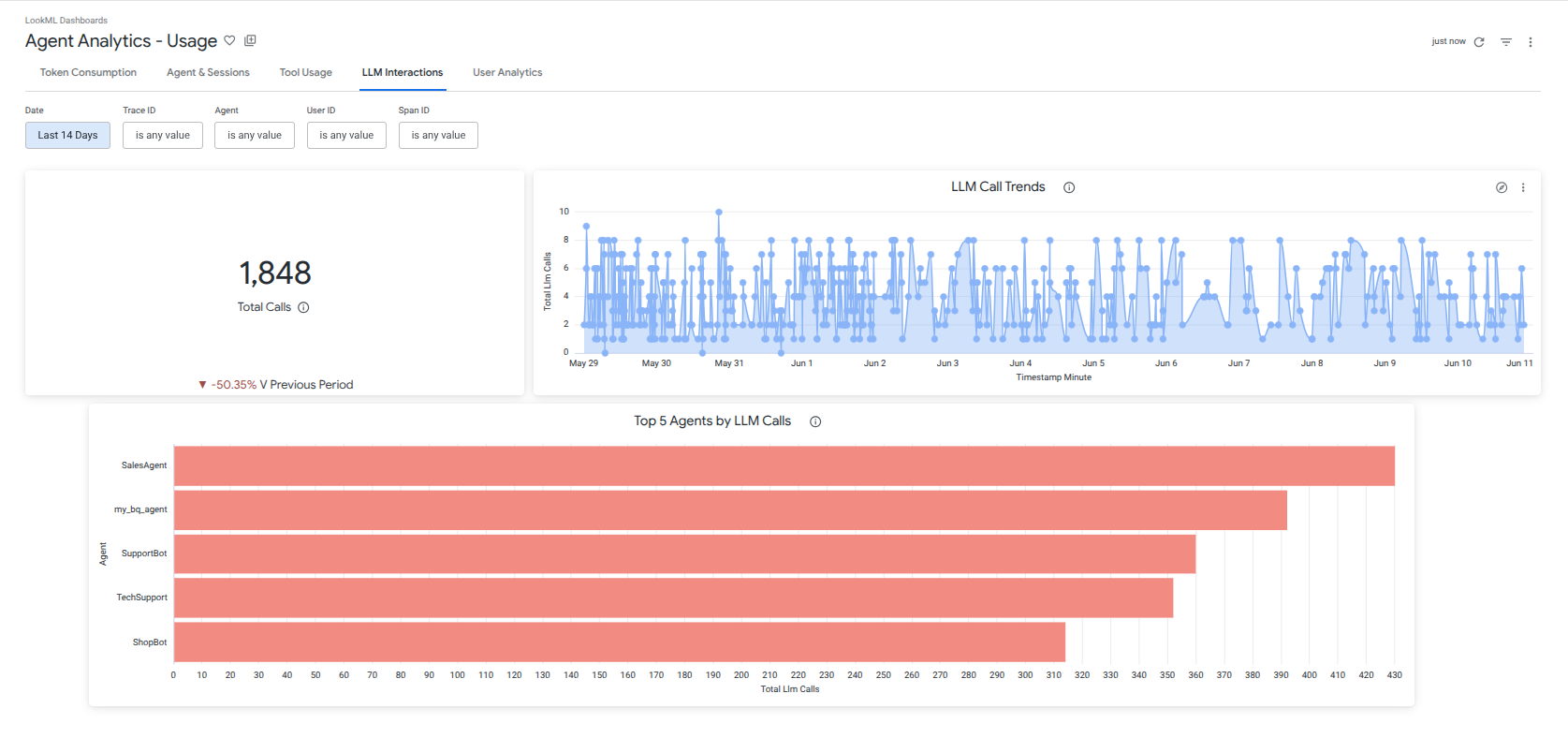
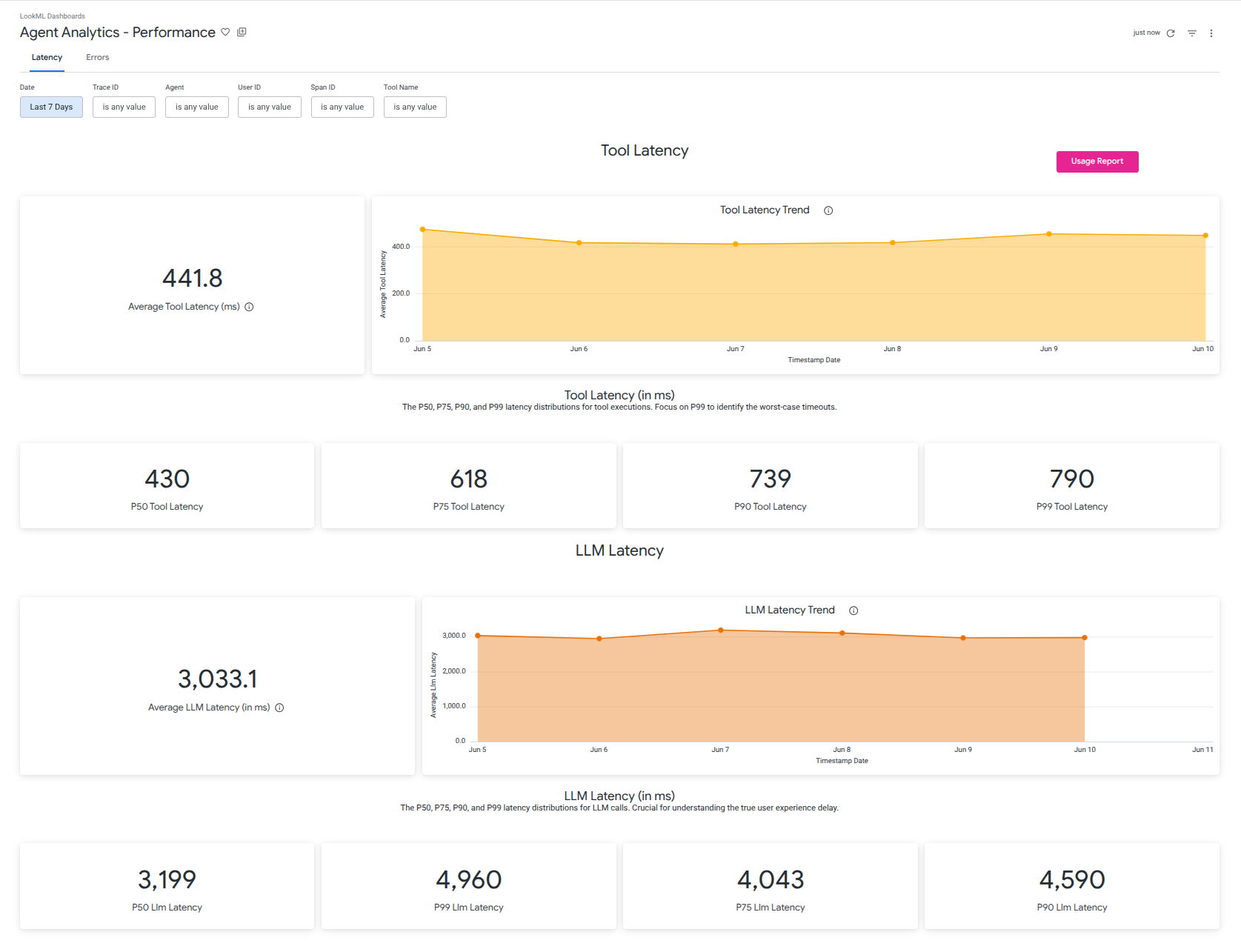
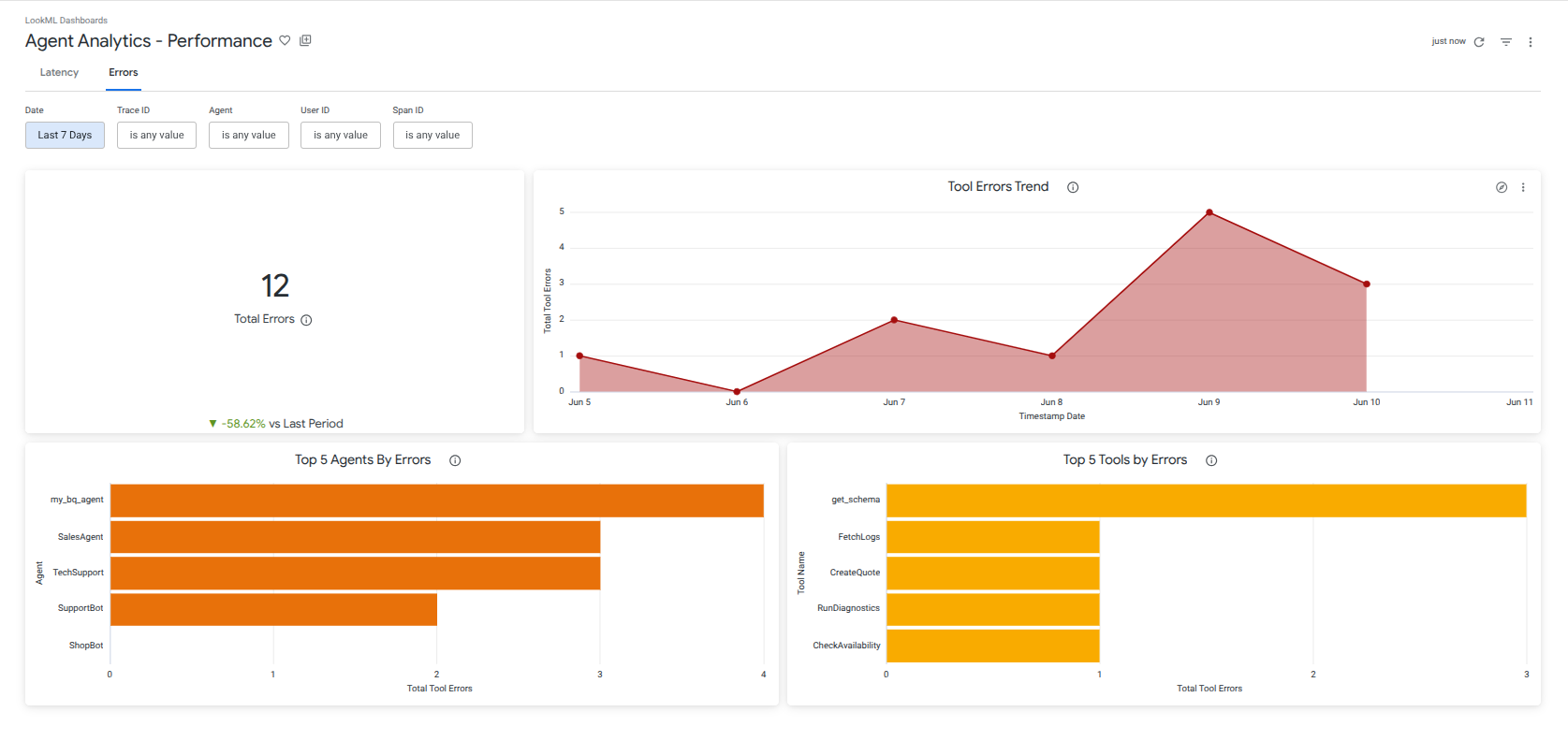
- Analyze System Health: Dive into P50-P99 latency distributions and track tool failures to quickly identify, isolate, and debug backend bottlenecks.
- Advanced Visual Drilling: Click any metric to instantly launch context-aware popup visualizations (Scatter Plots, Donut Charts, Data Grids) for immediate root-cause analysis without leaving your dashboard.
For initial guidance on setting up the underlying data export, refer to: BigQuery Agent Analytics and the ADK Integration Docs.